

Content
· 9 checks — Internal links, mixed-content guards, Open Graph previews, and structured data rolled into one auditable list.DImage OptimizationAction4 issues found across 4 imagesFIX
CBrand PresenceActionSite-name consistency, favicon, social image, meta tags, schema, and contact signalsREVIEW
Brand Presence
Your brand name differs across channels — visitors see inconsistent identity.
C
67/100
Site name appears as
| Page title | Google Maps Timeline to Travel Video | |
| og:site_name | Timeline Visualizer | |
| twitter:site | — | |
| Organization.name | — |
Inconsistent — names differ across channels
Brand assets
Favicon
12/15covers apple-touch-icon + SVG
Social share image
20/20og:image + twitter:image set
Meta completeness
20/20Organization schema
0/15Contact info discoverable
10/10contact page + mailto link
Findings
- Brand name differs across channels — users see inconsistent identity
- Add an apple-touch-icon and at least two PNG sizes (32x32 + 192x192)
- No Organization schema — Google can't render your logo in the knowledge panel
How consistently your brand appears across channels — shared link previews, structured data, favicon, contact info.
A+Links37 links checked, 37 healthy, 0 brokenPASS
A+Mixed ContentNo mixed content detected — all resources use HTTPS.PASS
A+Open GraphOpen Graph tags are well configured for social sharing.PASS
Preview
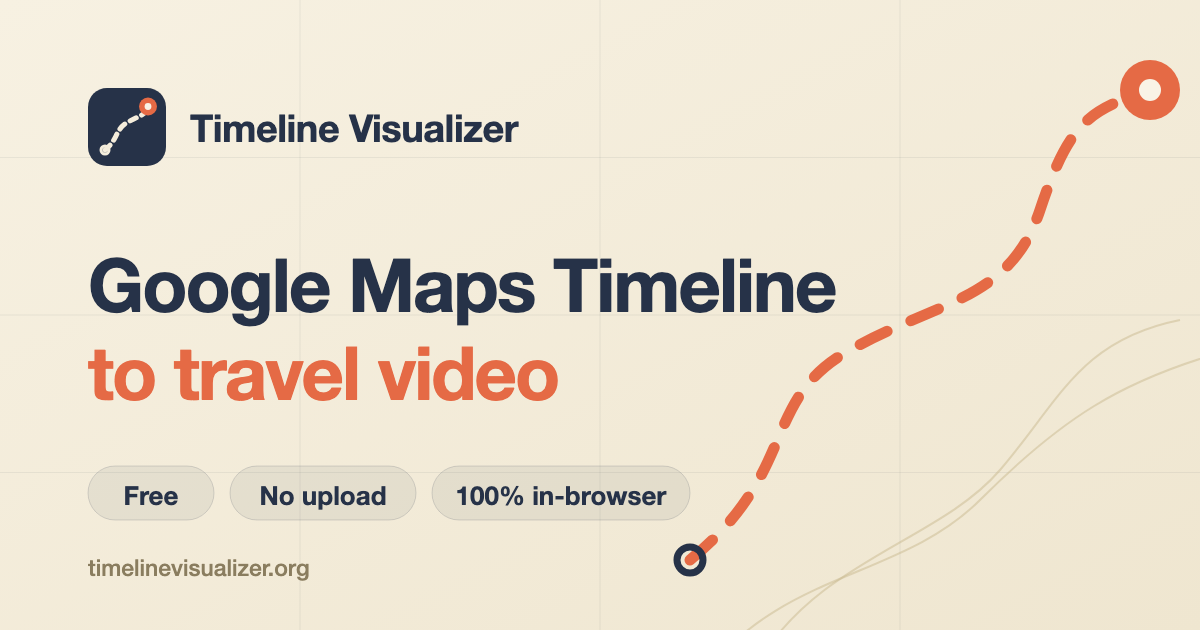
timelinevisualizer.org
Timeline Visualizer | Google Maps Timeline to Travel Video
Free, private Google Maps Timeline visualizer. Open location history JSON, replay your route, and export a travel video in the browser, no upload, no account.
- twitter:card — summary_large_image
- twitter:title — Timeline Visualizer | Google Maps Timeline to Travel Video
- twitter:description — Free, private Google Maps Timeline visualizer. Open location history JSON, replay your route, and export a travel vid...
- twitter:image — https://timelinevisualizer.org/imgs/og.png
TIMELINEVISUALIZER.ORG
Timeline Visualizer | Google Maps Timeline to Travel Video
Free, private Google Maps Timeline visualizer. Open location history JSON, replay your route, and export a travel video in the browser, no upload, no account.
Description will be truncated (158 chars / 155 max)
- og:title — Timeline Visualizer | Google Maps Timeline to Travel Video
- og:description — Free, private Google Maps Timeline visualizer. Open location history JSON, replay your route, and export a travel vid...
- og:image — https://timelinevisualizer.org/imgs/og.png
- og:type — website
- og:url — https://timelinevisualizer.org/
- og:site_name — Timeline Visualizer
Description will be truncated on Facebook (158 chars, max 155)
→ Tighten og:description to ≤155 characters
Timeline Visualizer | Google Maps Timeline to Travel Video
timelinevisualizer.org
Description will be truncated (158 chars / 150 max)
- og:title — Timeline Visualizer | Google Maps Timeline to Travel Video
- og:description — Free, private Google Maps Timeline visualizer. Open location history JSON, replay your route, and export a travel vid...
- og:image — https://timelinevisualizer.org/imgs/og.png
Description will be truncated on LinkedIn (158 chars, max 150)
→ Tighten og:description to ≤150 characters
timelinevisualizer.org
Timeline Visualizer | Google Maps Timeline to Travel Video
Free, private Google Maps Timeline visualizer. Open location history JSON, replay your route, and export a travel video in the browser, no upload, no account.
- og:title — Timeline Visualizer | Google Maps Timeline to Travel Video
- og:description — Free, private Google Maps Timeline visualizer. Open location history JSON, replay your route, and export a travel vid...
- og:image — https://timelinevisualizer.org/imgs/og.png
Social preview quality
Averaged across Twitter/X, Facebook, LinkedIn, and Slack.
| Field | Twitter/X | Slack | ||
|---|---|---|---|---|
| og:title | ||||
| og:description | ||||
| og:image | ||||
| og:type | ||||
| og:url | ||||
| og:site_name | ||||
| twitter:card | — | — | — | |
| twitter:title | — | — | — | |
| twitter:description | — | — | — | |
| twitter:image | — | — | — |
A+Open Graph / Twitter Card DepthOG image dimensions and Twitter card configuration look healthyPASS
A+Structured Data2 JSON-LD block(s) found — structured data is well configured.PASS
JSON-LD Blocks
{
  "@context": "https://schema.org",
  "@type": "SoftwareApplication",
  "name": "Timeline Visualizer",
  "applicationCategory": "UtilitiesApplication",
  "operatingSystem": "Web",
  "url": "https://timelinevisualizer.org/",
  "description": "Free, private Google Maps Timeline visualizer. Open location history JSON, replay your route, and export a travel video in the browser, no upload, no account.",
  "offers": {
    "@type": "Offer",
    "price": "0",
    "priceCurrency": "USD"
  },
  "featureList": [
    "Nothing to upload",
    "A route with time in it",
    "Trim the sensitive edges",
    "A real browser export"
  ]
}{
"@context": "https://schema.org",
"@type": "FAQPage",
"mainEntity": [
{
"@type": "Question",
"name": "Does my Timeline file leave the device?",
"acceptedAnswer": {
"@type": "Answer",
"text": "No. The browser reads, parses, animates, and records the file without sending the JSON to our server. By default, real-map tiles are requested from CARTO, which receives map-tile areas and ordinary network data, not your file. Turn on Privacy mode for a locally drawn map with no tile requests."
}
},
{
"@type": "Question",
"name": "How do I export my Google Maps Timeline data?",
"acceptedAnswer": {
"@type": "Answer",
"text": "Timeline now lives on your phone, and the path differs by platform. On Android: open your phone's Settings, then Location, then Timeline, then Export Timeline data. On iPhone: open the Google Maps app, tap your profile picture, then Settings, then Personal content, then Export Timeline data. Older Google Takeout archives such as Records.json also work, see the step-by-step guide on this site for details."
}
},
{
"@type": "Question",
"name": "What happened to Google Maps Timeline on the web?",
"acceptedAnswer": {
"@type": "Answer",
"text": "Google retired the web version of Timeline in 2024-2025 and moved location history on-device. Your exported JSON still works: open it here to view and replay your routes in a browser again."
}
},
{
"@type": "Question",
"name": "Which Google Timeline formats work?",
"acceptedAnswer": {
"@type": "Answer",
"text": "The parser recognizes Records.json, timelineObjects, semanticSegments, Location History arrays, and generic latitude and longitude records with timestamps."
}
},
{
"@type": "Question",
"name": "Will the exported video be MP4?",
"acceptedAnswer": {
"@type": "Answer",
"text": "If the browser exposes an MP4 MediaRecorder codec, yes. Other browsers receive a WebM file instead."
}
},
{
"@type": "Question",
"name": "What about a large multi-year file?",
"acceptedAnswer": {
"@type": "Answer",
"text": "The parser removes invalid points and caps the preview density while preserving the full route shape. Very large files can still take a moment on older phones."
}
},
{
"@type": "Question",
"name": "Can I use this on iPhone and Android?",
"acceptedAnswer": {
"@type": "Answer",
"text": "Yes, in a modern browser. Video codec support varies, so the download format may differ by device."
}
},
{
"@type": "Question",
"name": "How do I share the video on X, Instagram, or TikTok?",
"acceptedAnswer": {
"@type": "Answer",
"text": "After export, use Share video to open your device's share sheet when the browser supports file sharing. Download remains available for every browser. Pick portrait for Stories, Reels, and TikTok, or landscape for YouTube and X."
}
},
{
"@type": "Question",
"name": "Is there a Timeline Visualizer app or APK?",
"acceptedAnswer": {
"@type": "Answer",
"text": "No app is needed. The visualizer runs in any modern mobile or desktop browser, so there is nothing to install, and no APK from third-party stores is official."
}
},
{
"@type": "Question",
"name": "Is Timeline Visualizer free?",
"acceptedAnswer": {
"@type": "Answer",
"text": "Yes. The visualizer is free, runs entirely in your browser, and needs no account, app install, or upload."
}
},
{
"@type": "Question",
"name": "Is this an official Google product?",
"acceptedAnswer": {
"@type": "Answer",
"text": "No. Timeline Visualizer is an independent tool and is not affiliated with Google."
}
}
]
}